Feature · Notifications & reminders
The follow-up happens whether you remember or not.
Customer reminders before a visit, technician reminders before a shift, overdue-invoice chasing, low-stock alerts, and in-app notifications for the things that need a person.
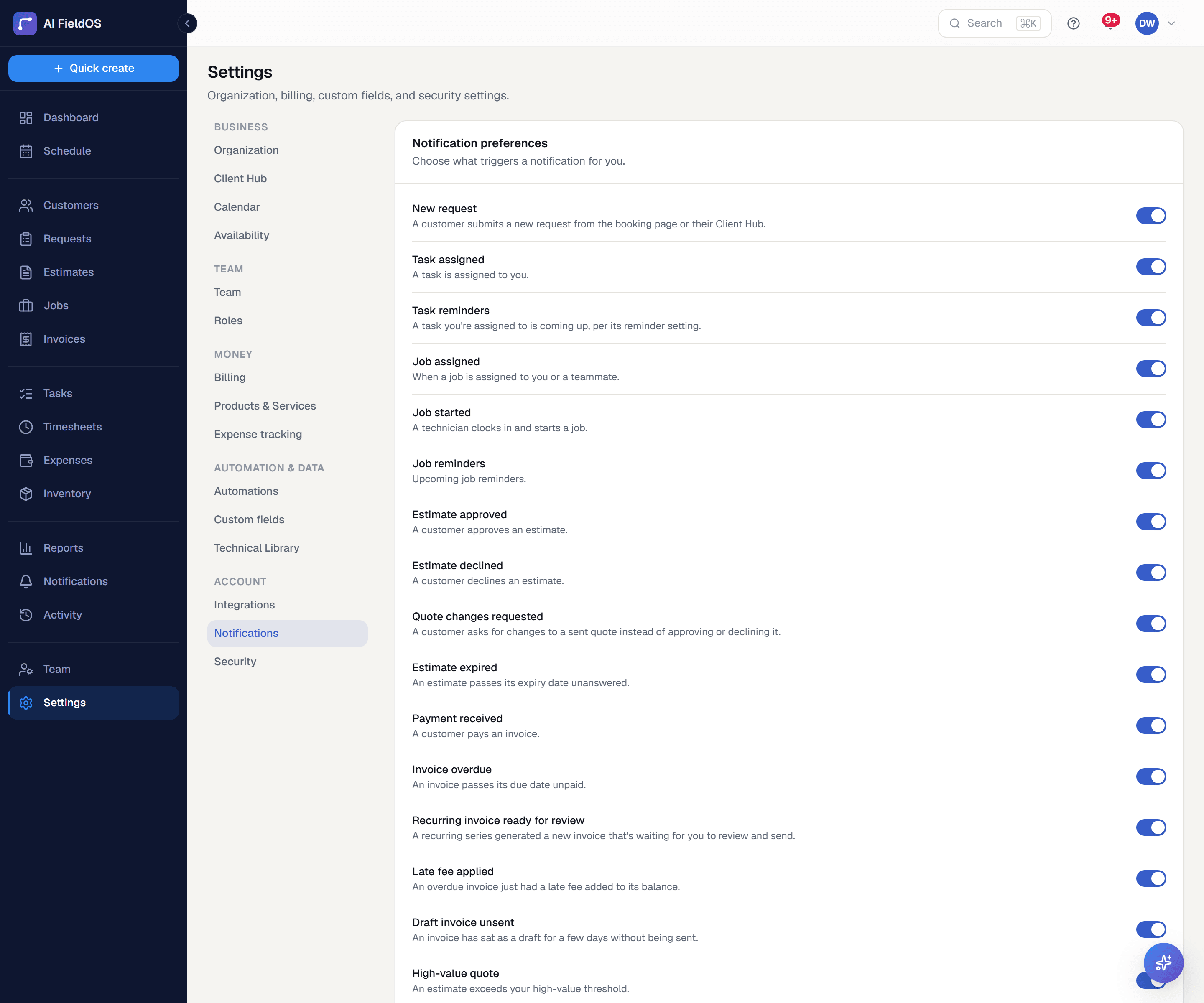
What you get from notifications & reminders
Email and text, with a fallback
Reminders go by email and SMS. Sending a quote or invoice falls back to SMS when no email is on file — which is exactly why that particular send isn't a toggle you can accidentally break.
Alerts that fire once, not forever
Low stock alerts fire on the transition into low stock, not on every sweep. Overdue reminders carry idempotency stamps so enabling a second reminder never re-triggers the first.
You choose which ones run
Settings → Automations turns each background behaviour on or off with its own timing. Turning off the overdue notice asks you to confirm every time — it's the one with a direct cash-flow consequence.
Three steps, start to finish
Set your reminder lead times and which automations run, once, in Settings.
Background jobs handle the sending on their own schedule from then on.
Anything needing a decision lands in your in-app notifications rather than an email you'll lose.
Straight answer
What this doesn't do
Every limit below was checked against the code. We'd rather you find them here than three weeks after migrating.
- No two-way SMS — outbound reminders only, with no inbox for replies.
- No push notifications on the web app; in-app notifications and email are the channels there.
Common questions
You can bring your own Twilio and Resend credentials in Settings → Integrations, which is the recommended setup for volume and deliverability on your own domain.
Ready to run your business on it?
Start a 14-day trial today. No credit card, no sales call, no implementation project.
14 days free · No credit card required · Cancel anytime