Feature · Customer records
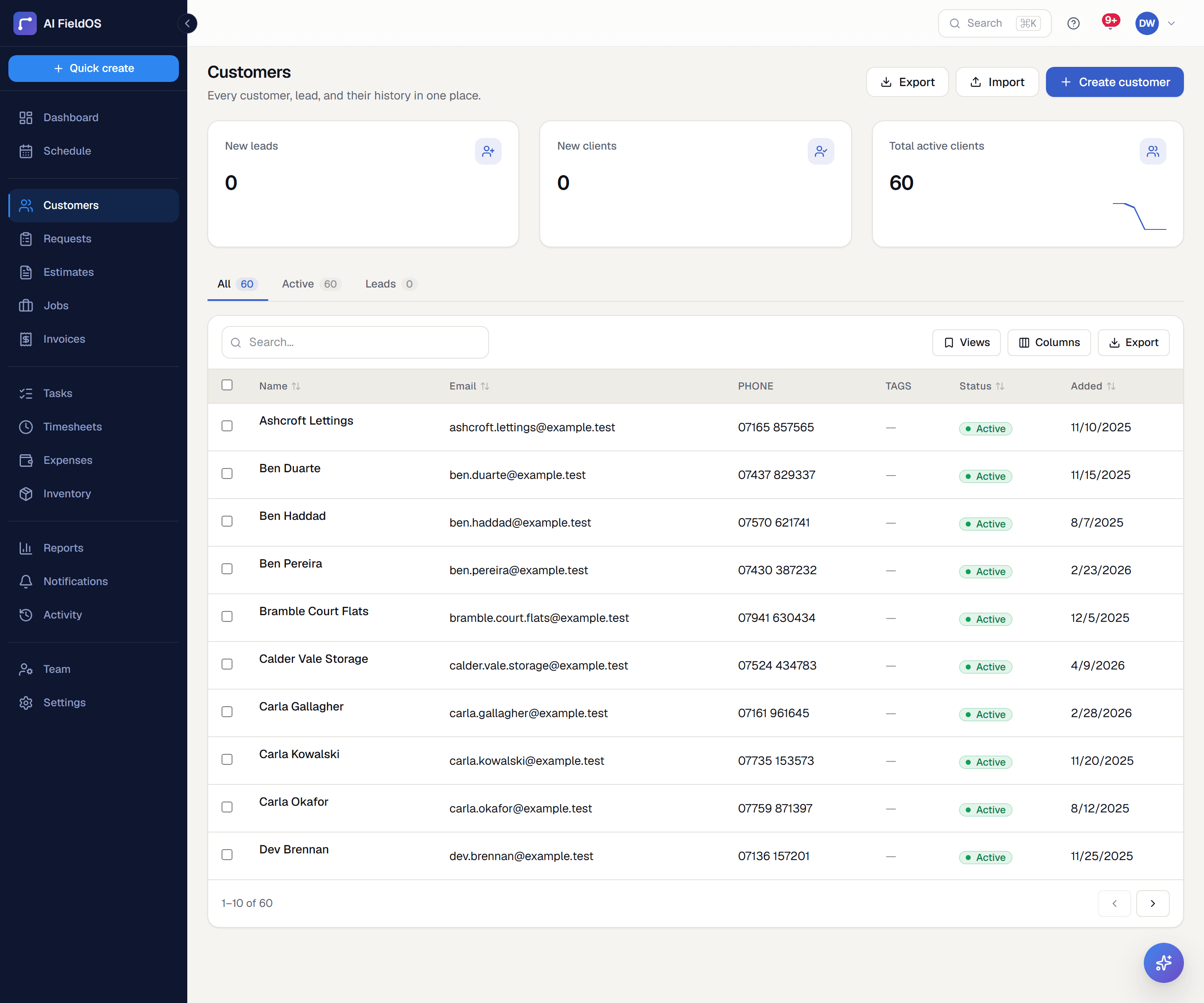
Everything you know about a customer, on one page.
Contact details, properties, every job and invoice they've ever had, notes, and trade-specific custom fields — with a full activity trail of who changed what.
What you get from customer records
History that's actually there
Every job, estimate, invoice, payment, and message against a customer sits on their record, so the person picking up the phone doesn't have to ask them to explain their own history.
Custom fields for your trade
Define your own fields — gate codes, warranty dates, roof type, boiler model — with a type per field: text, number, date, yes/no, or a dropdown you define. They appear in the record's form, not as a read-only footnote.
Import what you already have
Bring your customer list over from a CSV, mapping your columns to name, email, phone, and address. Rows that fail validation are reported back rather than silently dropped.
Three steps, start to finish
Import your existing customer list, or add customers as work comes in.
Define any custom fields your trade needs, once, in Settings.
Every job, invoice, and payment attaches itself to the customer automatically from then on.
Straight answer
What this doesn't do
Every limit below was checked against the code. We'd rather you find them here than three weeks after migrating.
- Only customers can be imported from CSV — there's no importer for historical jobs, invoices, or estimates.
- Custom fields are a flat list: a field can't show or hide based on another field's value.
- There's no marketing automation, campaign, or mass-email tooling attached to customer records.
Common questions
Yes — a customer record can carry multiple properties, and a job is booked against a specific one.
Ready to run your business on it?
Start a 14-day trial today. No credit card, no sales call, no implementation project.
14 days free · No credit card required · Cancel anytime