Feature · AI Assistant
Draft it in a sentence. Confirm before anything is saved.
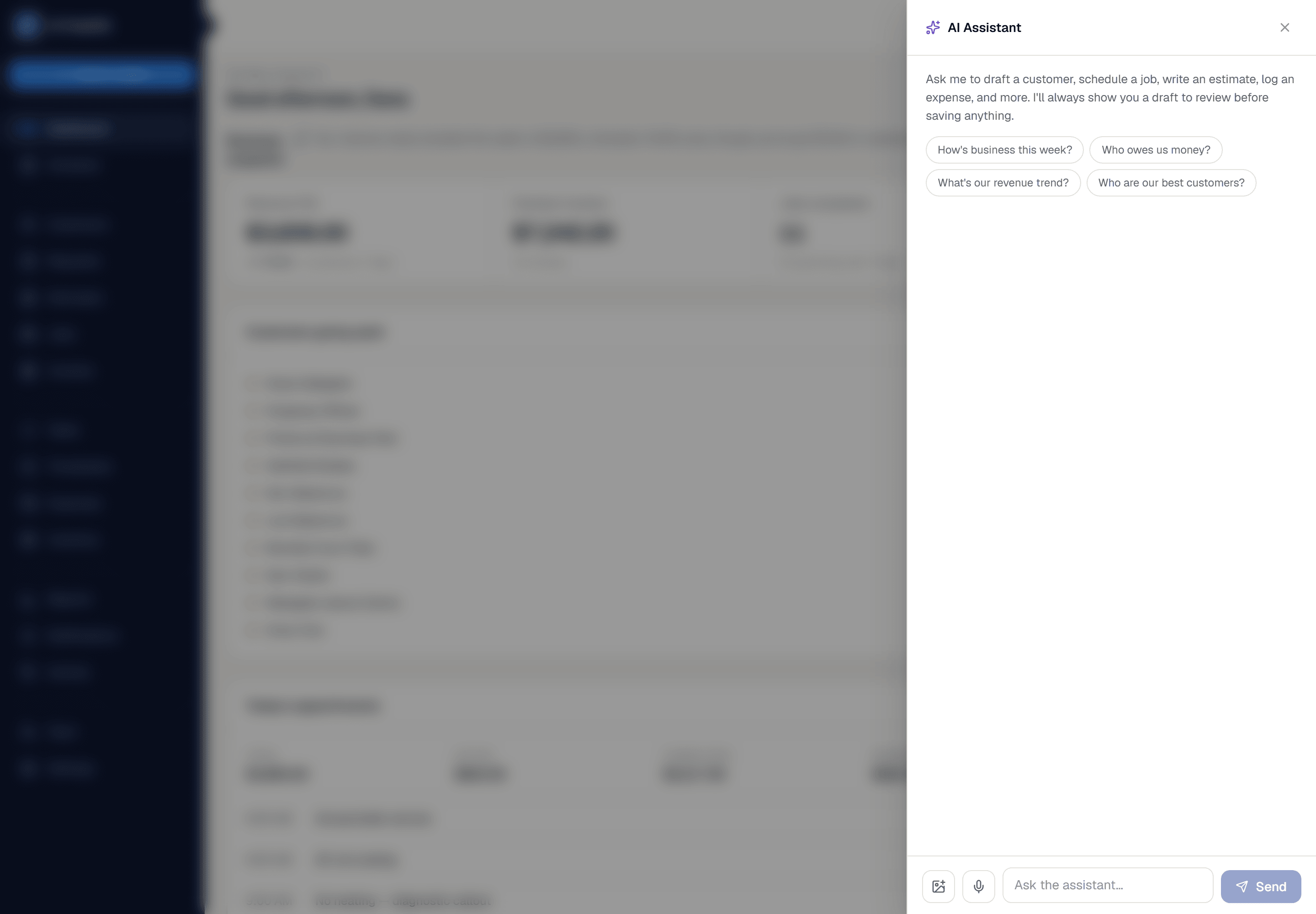
Ask it to check today's schedule, summarize how business is doing, or draft a new job, estimate, invoice, or customer message — every draft is shown to you first, and nothing is created or sent until you confirm it.
What you get from ai assistant
Draft, don't guess
Every action that creates or sends something — a new job, an estimate, a reminder email — comes back as a draft card you review and confirm, never a silent change to your account.
Real business answers, not vague ones
Ask how revenue compares to last week, who owes money, or which jobs were most profitable, and it answers from your actual data — the same numbers behind your Reports page.
Voice input built in
Speak instead of typing, on the go, from the mobile app — useful when your hands are full or you're between jobs.
Three steps, start to finish
Open the assistant from anywhere in the app and ask a question, or describe what you want to create.
For anything that would change your data, it shows a draft card first — you edit or confirm it, nothing saves automatically.
For questions, it answers directly from your real business data, with no separate report to run.
Straight answer
What this doesn't do
Every limit below was checked against the code. We'd rather you find them here than three weeks after migrating.
- It's a language model reading your real data — check a draft before confirming, particularly anything with a price on it.
- The AI receptionist for inbound calls is built but has never been exercised against a real call. Don't point your business number at it yet.
Common questions
No. Anything that would create, change, or send something — a job, an estimate, an invoice, an email — is always shown as a draft you confirm first.
Ready to run your business on it?
Start a 14-day trial today. No credit card, no sales call, no implementation project.
14 days free · No credit card required · Cancel anytime