Feature · Expenses & reimbursement
Track what went out, and pay people back for it.
Log expenses against a job or the business, attach the receipt, mark what's reimbursable, and settle it alongside hours when you confirm payroll.
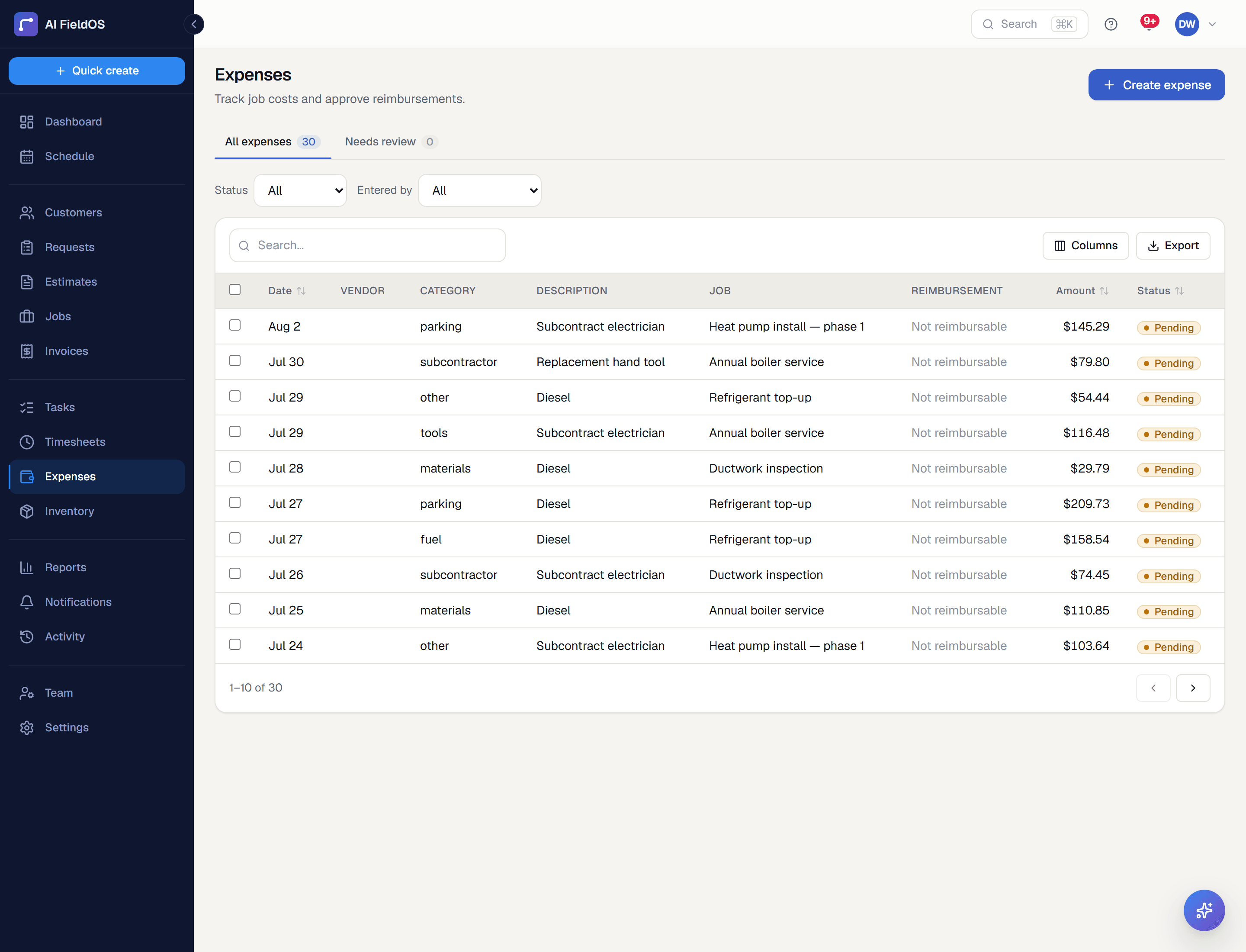
What you get from expenses & reimbursement
Costs attach to the job that caused them
An expense logged against a job flows straight into that job's materials cost and its real margin — which is what makes job costing reflect reality rather than a guess.
Reimbursement that ties to payroll
Mark an expense reimbursable and it appears against that person in Confirm Payroll for the same period as their hours — one settlement, not two disconnected screens.
Approval before it counts
Expenses flow through an approval step gated on permission, so what lands in your cost figures is what someone actually signed off.
Three steps, start to finish
A technician logs the expense from the field with a photo of the receipt.
Someone with approval permission reviews and approves it.
It flows into the job's cost, the expenses-by-category report, and — if reimbursable — that person's payroll period.
Straight answer
What this doesn't do
Every limit below was checked against the code. We'd rather you find them here than three weeks after migrating.
- Receipt scanning reads the photo you give it — a torn or half-cut receipt still needs a human to check the total, which is why batch-imported expenses arrive flagged for review.
- No corporate card feed or bank connection — expenses are entered or scanned, not imported from a statement.
- No mileage tracking.
Common questions
Yes — expenses by category is one of the standard charts on the Reports page, alongside the profit trend.
Ready to run your business on it?
Start a 14-day trial today. No credit card, no sales call, no implementation project.
14 days free · No credit card required · Cancel anytime